
You can download Cartograph Maps here The manual is very easy to understand.
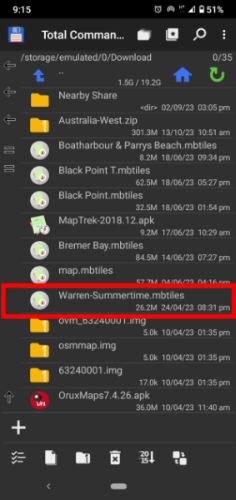
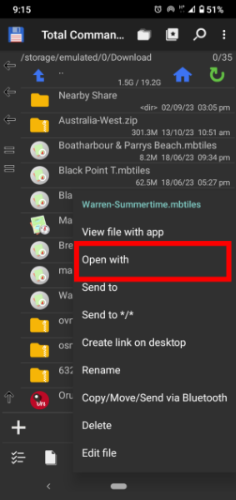
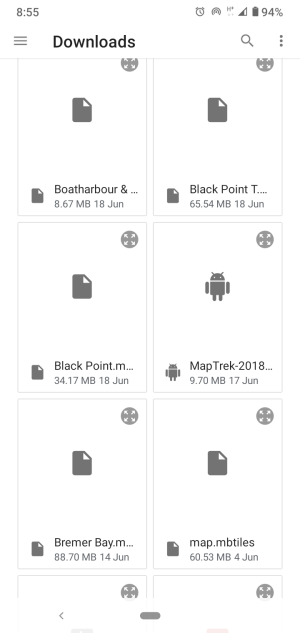
Connect your phone your computer via a USB cable.Upload the maps to your folder of choice. Open up your file manager and navigate to that folder. Now "long press" on the map file you wish to install and a context menu should appear. Tap the Open With link and another menu will appear, then select Cartograph Maps.
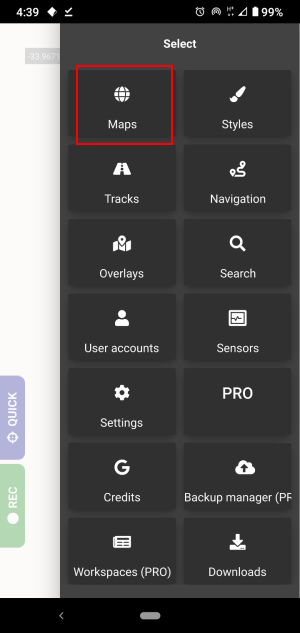
Open the app and tap the menu in the top right hand corner. The apps menu will display, tap the Maps menu.
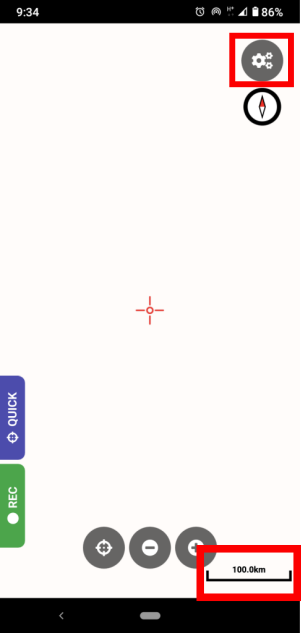
When you go back to the home screen to view the map you may not see it as the app may have set the zoom at 500km. At the bottom of screen you should see a scale showing the kilometres.
Tap on the menu at the top right again and go to Maps. Long press on the active map and a menu will appear and tap on the Load map in default position. Go back to the map screen and zoom in on the cross hairs and the map will come into veiw.
You can download Guru Maps here The manual is very easy to understand.
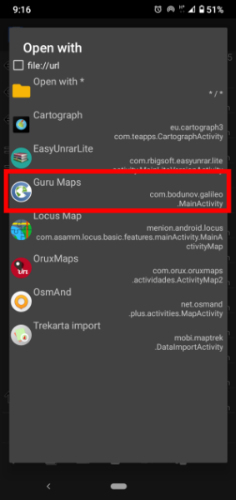
Connect your phone your computer via a USB cable.Upload the maps to your folder of choice. Open up your file manager and navigate to that folder. Now "long press" on the map file you wish to install and a context menu should appear. Tap the Open With link and another menu will appear, then select Guru Maps.
Now open the app and tap on the flag icon at the top of the screen. When the menu appears tap the Switch Map link. Make sure you are looking at the Offline (blue line) maps dialogue. Now tap the Refresh button (On the left of the + icon) and your maps should now display. Cllose the app and restart.
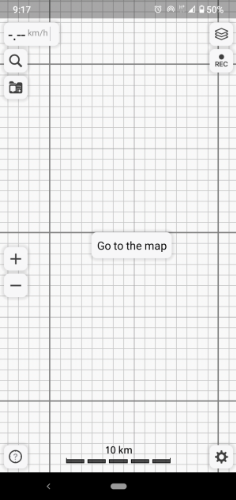
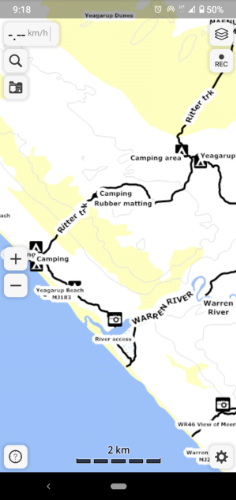
Guru Maps will then import the map and a map screen will appear with a button displaying Go to the map. Tap that button and your good to go.
Installing Open Street Maps
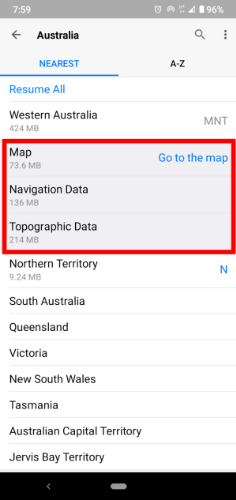
Tap the gear icon menu in the bottom right corner and a menu will appear. Tap the Download Maps and then select Australia.
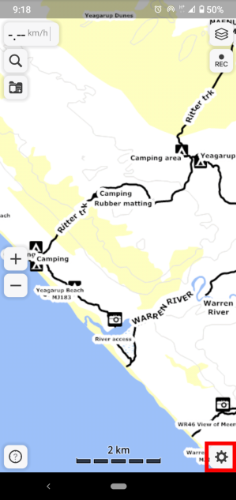
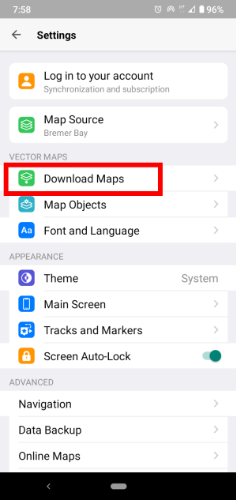
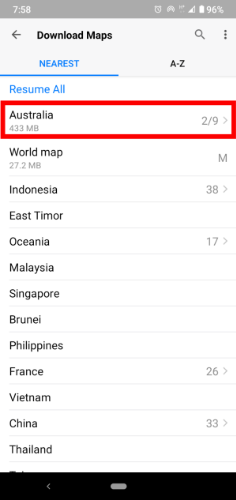
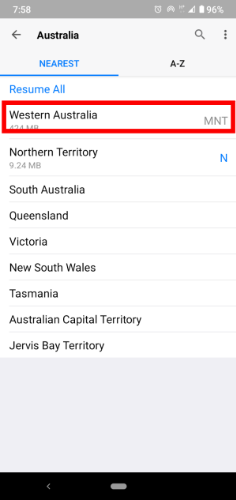
The states will appear and select Western Australia. You can elect to download the Map, Navigation data and Topographical data. This should work offline
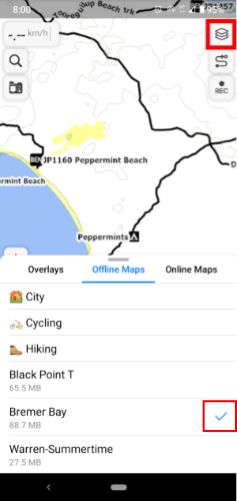
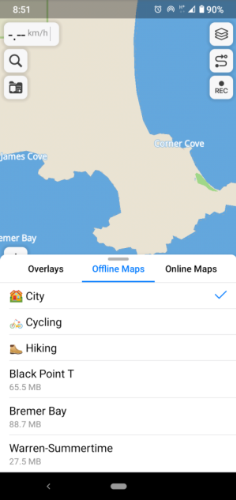
The quickest way to change the map layer is to tap the hamburger menu in the top right hand corner. You can see the offline map dialogue. Tap which map you want to display and a blue tick (red square) will indicate which map is on display. The OSM map will act as the base map and you can load a more detailed map when tapping the screen and the blue tick appears.
You can download Orux maps here
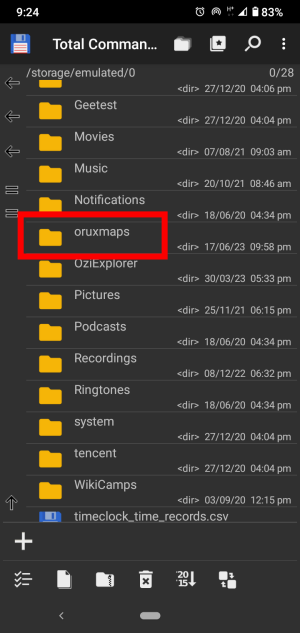
Connect your phone your computer via a USB cable.Find the Orux maps folder in your phones internal storage and open that folder. You should find a folder called mapfiles, open this folder and place your maps in there.
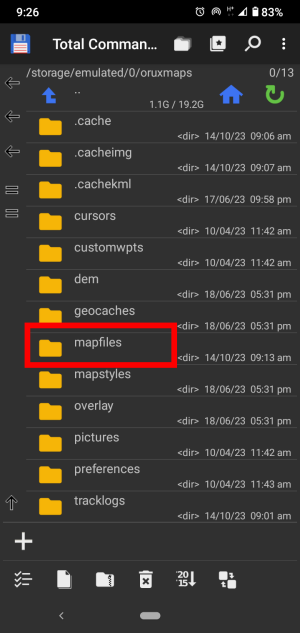
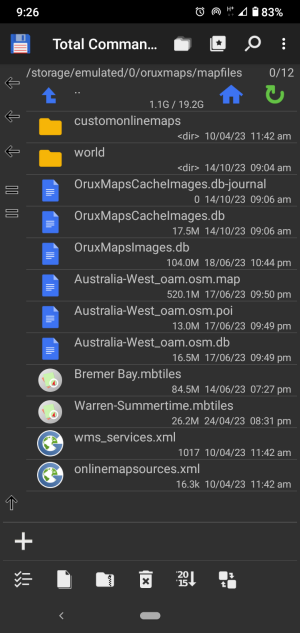
Now open the app and tap on the flag icon at the top of the screen. When the menu appears tap the Switch Map link. Make sure you are looking at the Offline (blue line) maps dialogue. Now tap the Refresh button (On the left of the + icon) and your maps should now display. Close the app and restart.
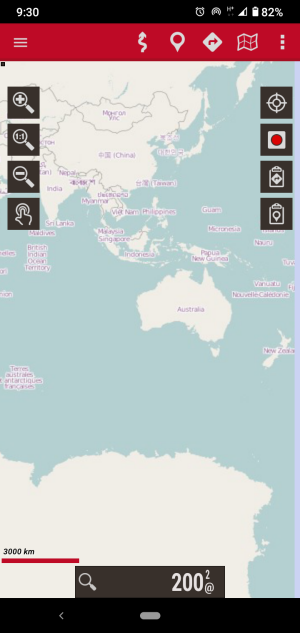
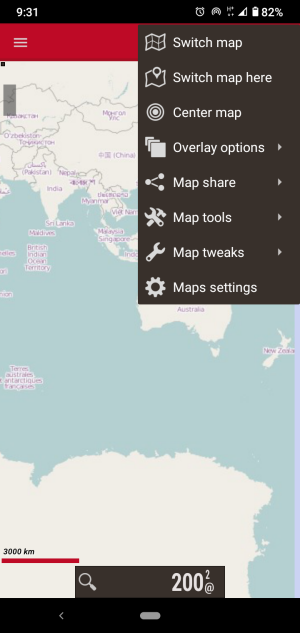
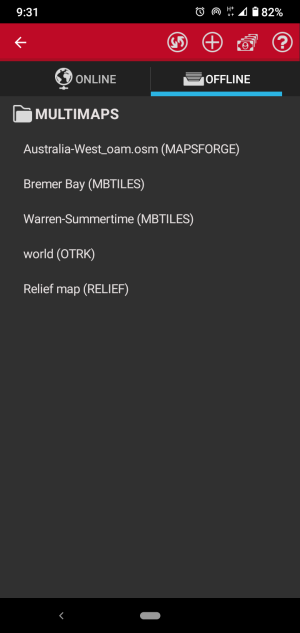
You will be able to download the OSM base map for Western Australia If for some reason the maps don,t show in the "Switch Map Here" menu you can return to the "Switch map" menu and tap the map in question you want to load. When reading a map like the ones that you can download here you may find the text is hard to read. To get around this tap the hamburger menu and tap Global setting then Maps then Zoom setting and then ltap the Default zoom button. A pop up menu will allow you to select your default zoom.
These are free to a point and easy to use. How to load the maps into Orux Maps Guru Maps Cartograph Maps Trekarta